
Top 10 Digital Tools for Change Communication
Communicating change effectively is critical for any organization. Here’s a quick overview of 10 digital tools that can help streamline the process, ensure clarity, and foster collaboration:
- Slack: Organizes team communication with channels, threads, and integrations.
- Microsoft Teams: Combines video meetings, instant messaging, and document collaboration.
- Zoom: Ideal for webinars, town halls, and interactive discussions.
- Asana: Tracks change initiatives with timelines, portfolios, and task dependencies.
- Trello: Uses visual boards for progress tracking and team alignment.
- Yammer: Enhances company-wide communication with communities and analytics.
- Workplace from Meta: Social media-inspired platform for internal communication.
- Loom: Asynchronous video tool for explaining changes visually.
- SurveyMonkey: Gathers employee feedback to guide change strategies.
- Tech Leaders: Offers coaching and training for leadership during transitions.
Quick Comparison Table
| Tool | Best For | Key Features |
|---|---|---|
| Slack | Team Communication | Channels, file sharing, integrations |
| Microsoft Teams | Comprehensive Collaboration | Video meetings, SharePoint, task management |
| Zoom | Large-Scale Events | Webinars, breakout rooms, live transcription |
| Asana | Project Management | Timelines, custom fields, workload view |
| Trello | Visual Progress Tracking | Kanban boards, automation, labels |
| Yammer | Company-Wide Engagement | Communities, polls, analytics |
| Workplace from Meta | Familiar Interface | Social media-style layout, easy adoption |
| Loom | Asynchronous Communication | Video recording, analytics, transcription |
| SurveyMonkey | Feedback Collection | Surveys, sentiment analysis |
| Tech Leaders | Leadership Support | Coaching, mentorship, training resources |
These tools can help you manage communication, track progress, and gather feedback during organizational changes. Choose the ones that align with your needs and existing workflows.
Successful Change Management through Effective Change Communication
1. Slack
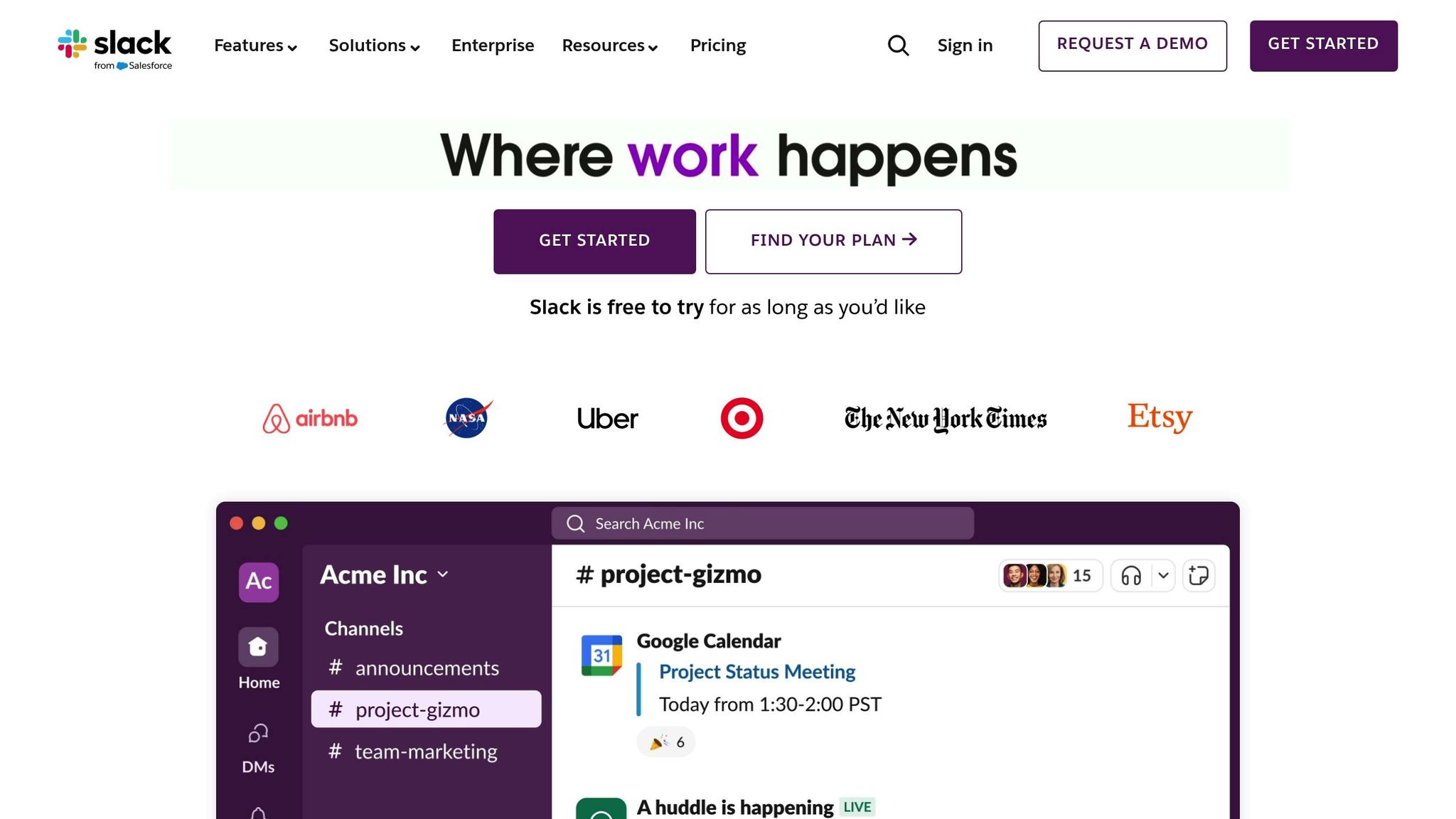
Slack simplifies team communication with its user-friendly design and channel-based messaging system. This setup helps teams keep discussions organized and easy to track by creating specific spaces for different projects or topics.
Key features to know:
- Channels and Threads: Set up public or private channels to group conversations by project or department. Use threads to keep discussions clear and avoid clutter.
- File Sharing and Search: Share documents like change plans, training guides, or updates. Its robust search tool makes finding past messages or files quick and simple.
- Integrations: Link Slack with other tools to centralize your communication and streamline workflows.
This makes Slack a practical choice for managing change communications.
2. Microsoft Teams
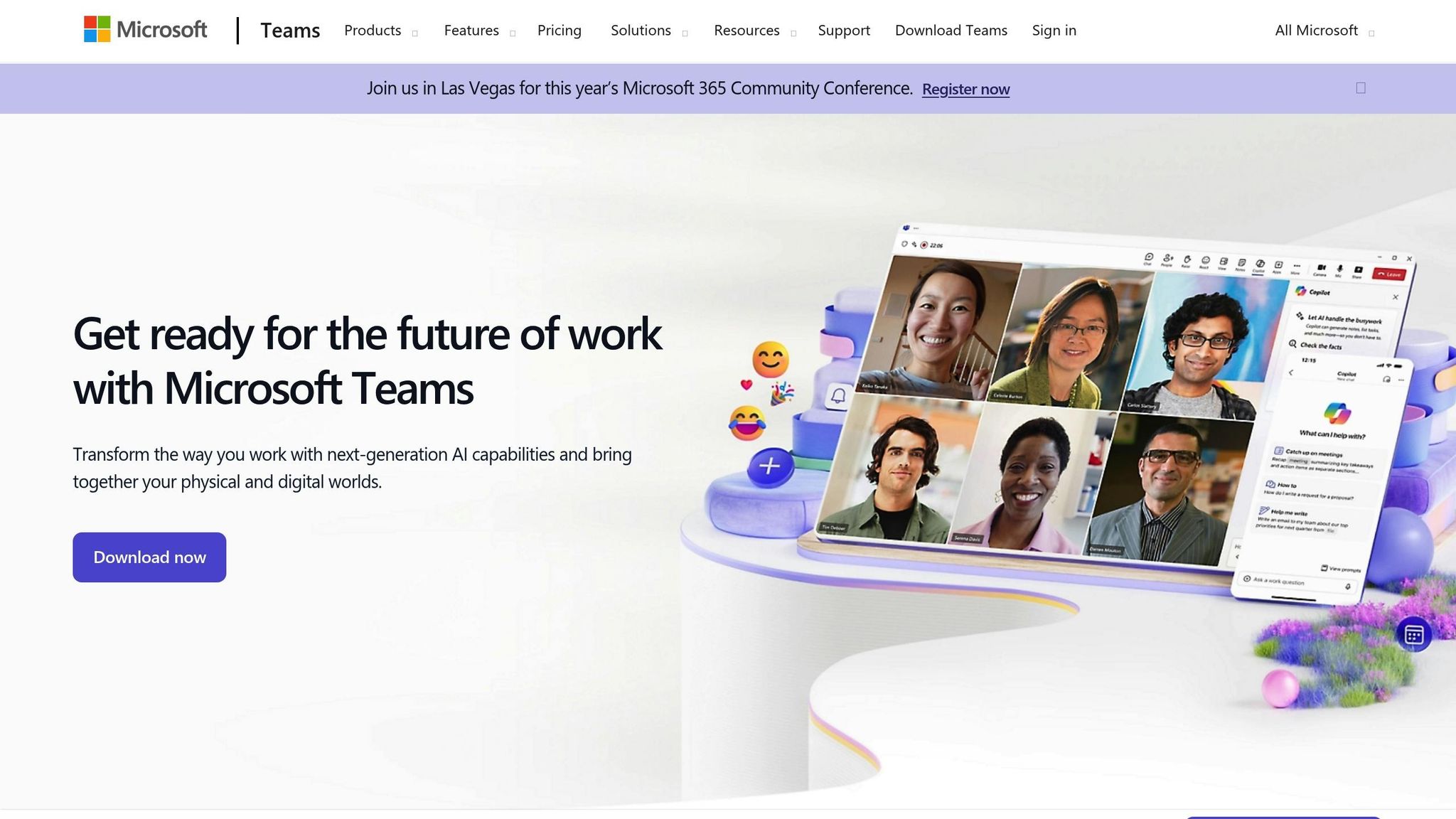
Microsoft Teams is a powerful tool for managing organizational changes, offering a suite of communication and collaboration features. It centralizes conversations and taps into the Microsoft ecosystem for seamless integration with other tools.
Key Features for Managing Change:
- Host video meetings, send instant messages, and create dedicated channels to streamline updates and announcements.
- Collaborate on documents in real time with SharePoint integration.
- Conduct town halls and webinars to handle large-scale communications effectively.
- Facilitate training sessions with features like screen sharing, breakout rooms, and recording options.
- Use built-in task management tools to monitor and organize change-related activities.
Security and Integration:
- Provides enterprise-level security, including encryption, authentication, and advanced threat protection.
- Works seamlessly with the Microsoft 365 suite, ensuring smooth workflows.
- Integrates with tools like Asana, Trello, Forms, OneNote, and Power BI, making it easier to manage communication and track progress.
3. Zoom
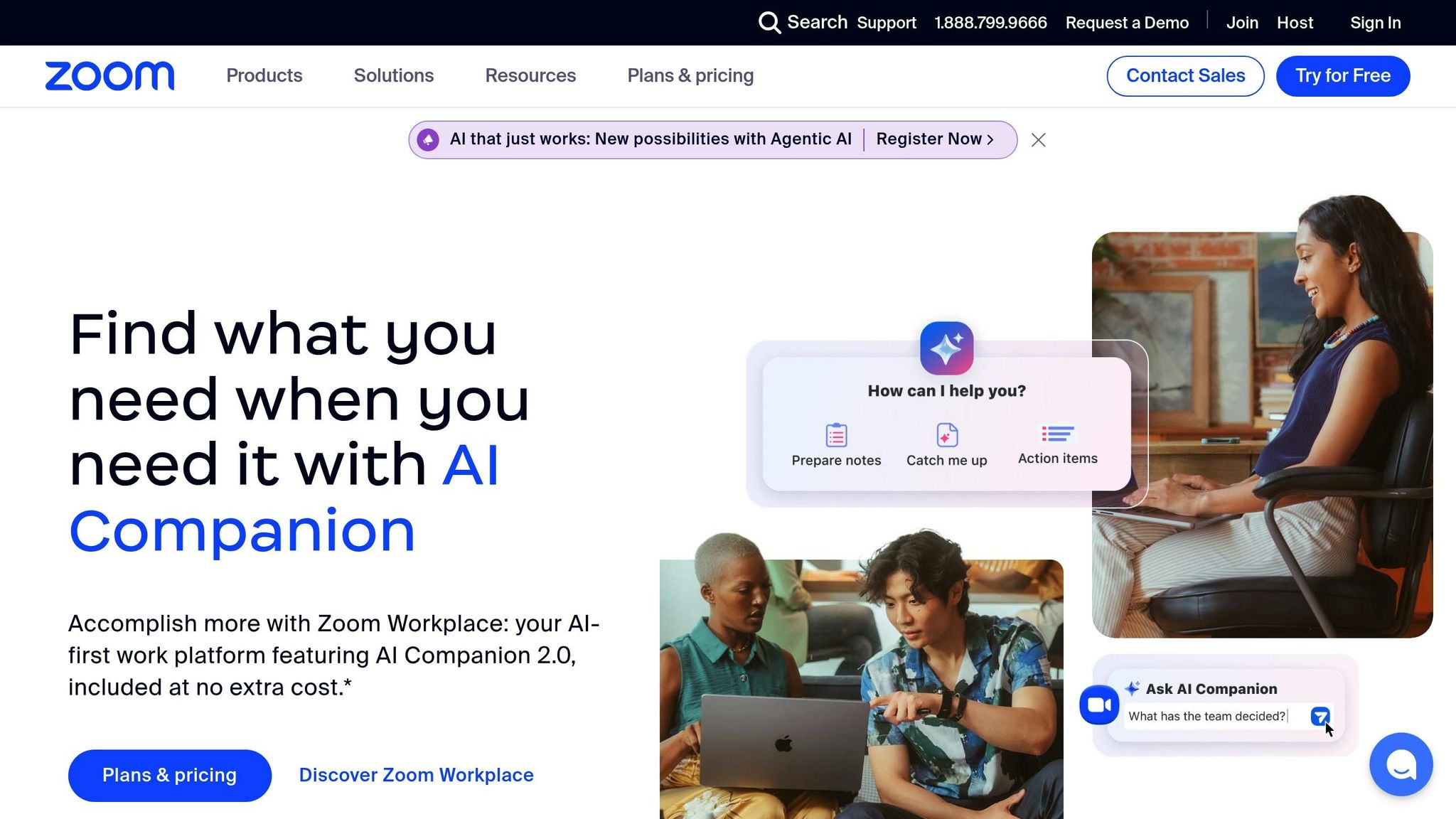
Zoom offers a range of tools that make it an effective platform for managing communication during periods of change.
- Webinar Platform: Host large-scale events like announcements or town halls, complete with Q&A sessions.
- Breakout Rooms: Facilitate smaller, focused group discussions.
- Cloud Recording: Save sessions to create training materials or keep records of important communications.
- Live Transcription: Improve accessibility and maintain searchable meeting records.
- Zoom Team Chat: Enable quick follow-ups and ongoing conversations.
These tools allow for clear, organized, and interactive discussions tailored to specific needs.
Zoom also provides advanced features that can be particularly useful:
| Feature | How It Helps With Change Management |
|---|---|
| Polls | Collect real-time feedback on new initiatives. |
| Reactions | Gauge immediate participant sentiment. |
| Hand Raising | Streamline Q&A sessions for better engagement. |
| Whiteboarding | Collaborate on workflows or change implementation plans. |
| Meeting Analytics | Track attendance and measure participant engagement. |
Integration Capabilities
Zoom connects with tools like project management software, calendars, document-sharing platforms, and CRMs through its App Marketplace, making it easier to coordinate and manage transitions effectively.
4. Asana
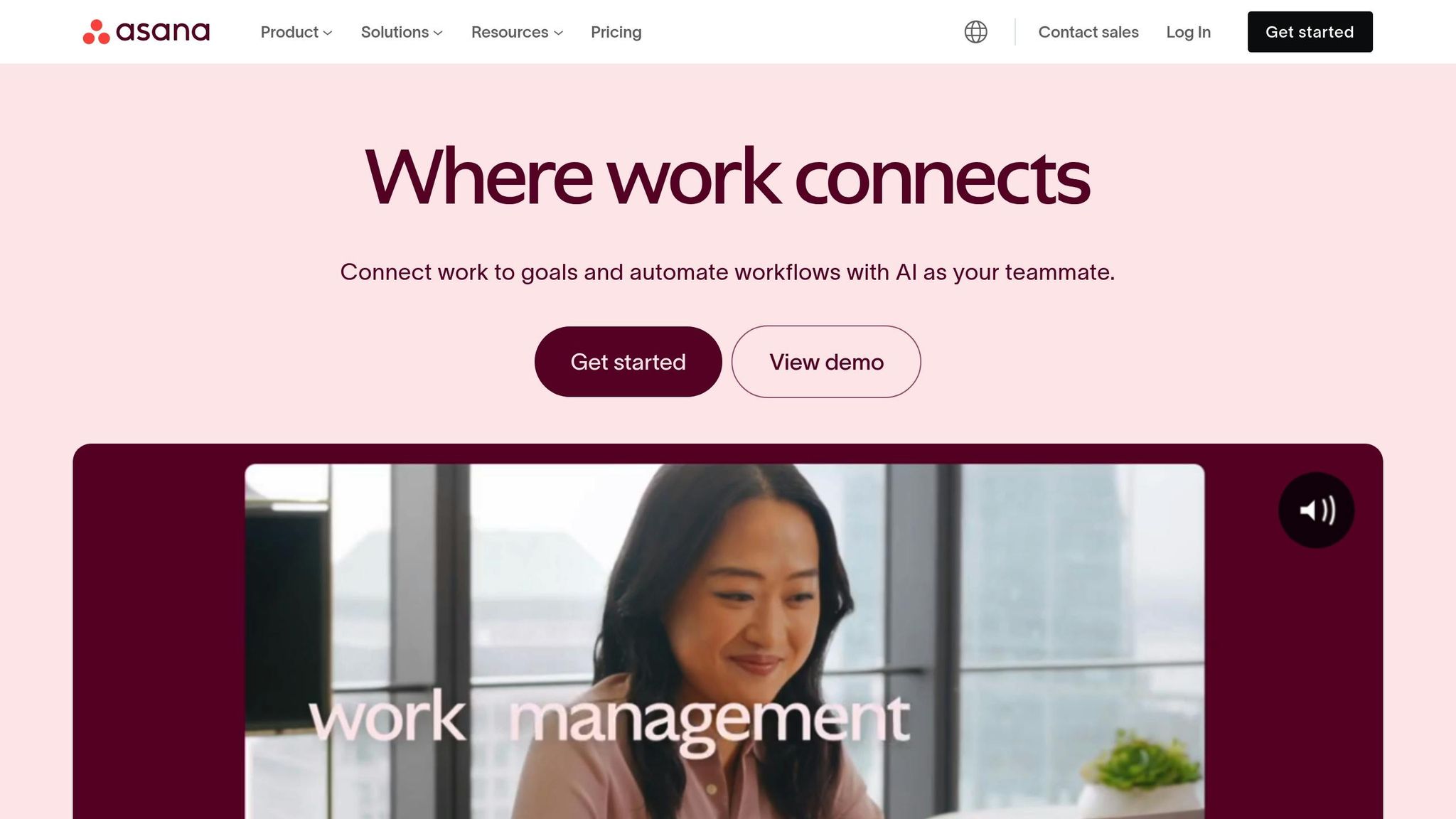
Asana helps you organize and track change initiatives with ease. It builds on tools designed for better collaboration and communication, adding a visual and data-focused approach to managing change.
Key Features
| Feature | Purpose |
|---|---|
| Timeline View | Plan implementation schedules with dependencies |
| Custom Fields | Monitor readiness, impact levels, and stakeholders |
| Forms | Gather structured feedback and change requests |
| Portfolios | Oversee multiple initiatives across teams |
| Workload View | Manage team capacity during transitions |
Integration Options
Asana connects with popular platforms like Teams, Slack, Google Workspace, Zoom, and Power BI, making it easy to centralize your workflows.
Project Tracking Tools
Asana provides tools like real-time updates, milestone tracking, automated reports, task comments with @mentions, file sharing, version control, and automatic notifications to keep projects on track.
Task Dependencies
The dependency mapping feature helps you see how different parts of a project are connected. This ensures teams understand the sequence of tasks and how changes affect other workstreams.
With its Goals feature, Asana ties change initiatives to strategic objectives, offering clear insights into how tasks contribute to larger goals. Teams can track progress using tailored metrics and key results.
For sensitive communication, Asana's private projects and restricted access settings ensure information is shared securely.
5. Trello
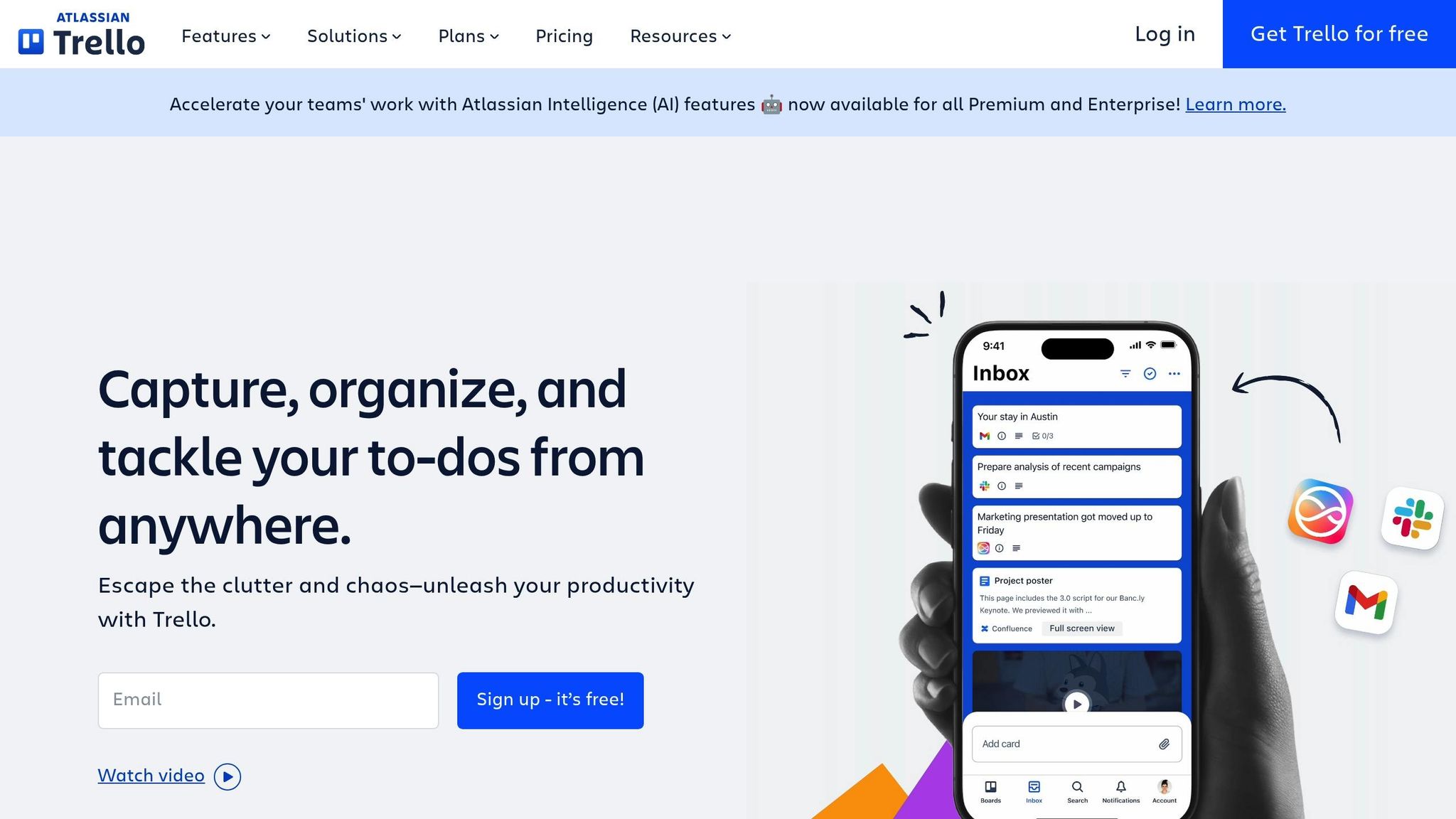
Trello uses visual, Kanban-style boards to simplify change management. Its platform breaks down initiatives into easy-to-follow components, making progress tracking straightforward. Here's how Trello supports effective communication during change:
| Feature | How It Helps with Change Communication |
|---|---|
| Board Templates | Offers customizable templates to structure change management workflows |
| Power-Ups | Adds features like voting, calendar views, and custom fields for better board functionality |
| Butler Automation | Sends automated notifications and task updates to keep everyone informed |
| Card Attachments | Provides a central space for storing important change documents and resources |
| Labels & Checklists | Helps visually track progress and standardize change procedures |
Visual Progress Tracking
Each change project can be set up as a board, with lists representing stages like "Planning", "In Progress", "Under Review", and "Implemented." Cards move across these lists, offering a quick snapshot of progress through color-coded labels and other visual tools.
Stakeholder Engagement
Trello's comment feature fosters focused discussions on specific tasks or changes. Team members can tag colleagues, attach files, and set due dates, ensuring clear communication and accountability throughout the process.
Integration Capabilities
Trello works seamlessly with platforms like Microsoft Teams, Google Workspace, Slack, and Jira. These integrations make collaboration, messaging, and technical tracking more efficient.
Advanced Organization
Trello allows for better organization through workspaces, board filters, and custom fields to track metrics such as status, risk, and impact. You can also use the calendar view to keep schedules aligned and ensure smooth coordination.
sbb-itb-8feac72
6. Yammer
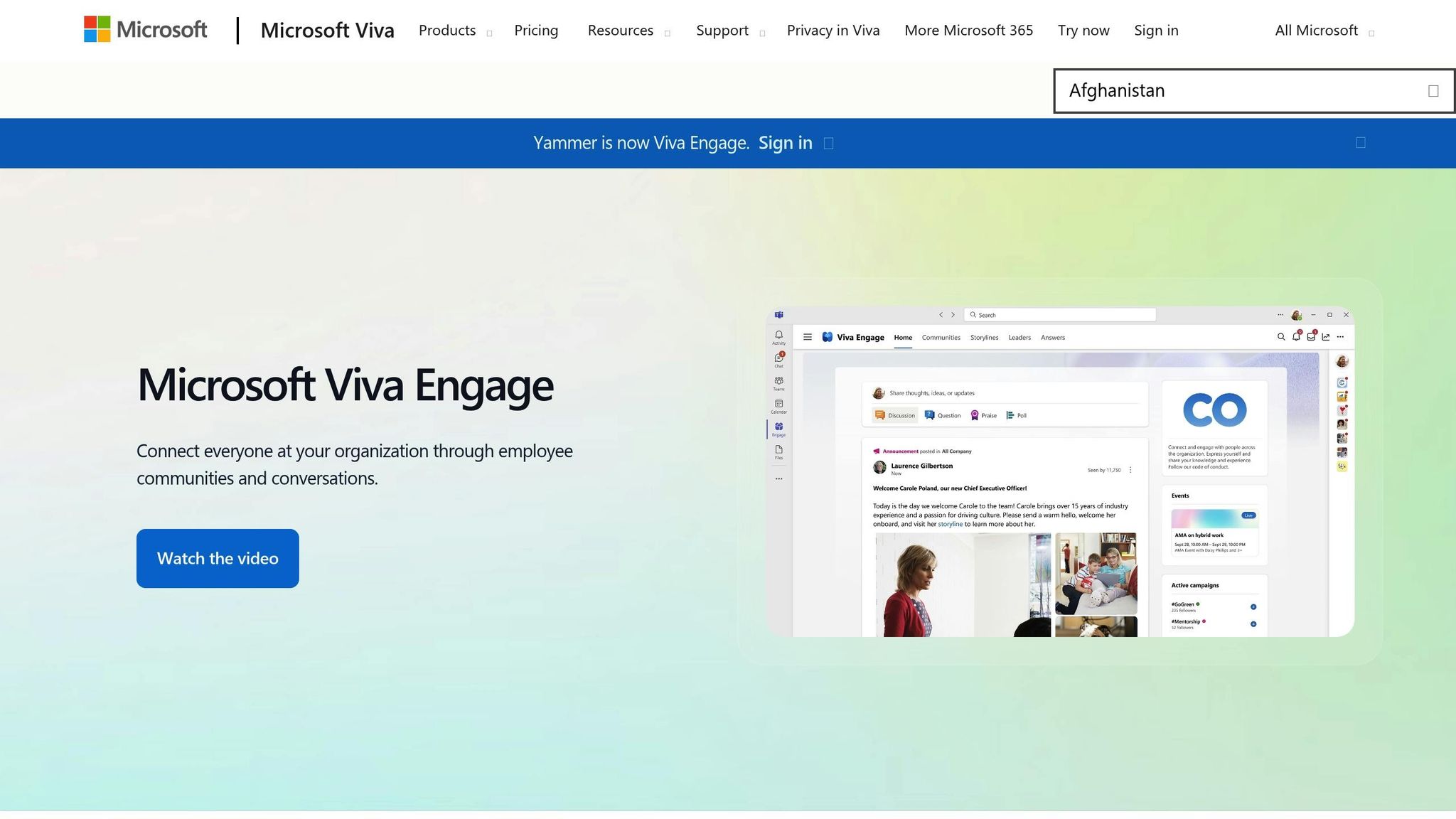
Yammer, Microsoft's enterprise social network, is designed to improve communication during times of organizational change. Its tools help foster clear and effective dialogue across an entire company, making it easier to manage transitions.
Key Features for Communication
| Feature | How It Helps with Change Management |
|---|---|
| Communities | Provides dedicated spaces for team discussions. |
| Polls & Surveys | Gathers real-time feedback on changes. |
| Analytics Dashboard | Monitors engagement and highlights areas needing attention. |
These tools encourage open feedback and collaboration across the organization.
Company-Wide Engagement
Yammer brings all internal conversations into one place. Employees can stay up-to-date on company changes, even those outside their direct teams, helping to break down communication barriers and align everyone.
Leadership Connection
Leaders can use Yammer to host live Q&A sessions, post video updates, share announcements, and acknowledge team efforts. These interactive features make leadership more accessible and visible to employees.
Seamless Integration
Yammer works effortlessly with Microsoft 365, ensuring easy access for everyone in the organization.
Tracking and Analytics
Its analytics tools provide insights into communication effectiveness, helping teams refine their strategies as needed.
Knowledge Archive
Yammer’s searchable conversation history acts as a permanent record of discussions and decisions. This archive is a valuable resource for ensuring continuity and planning future changes.
7. Workplace from Meta
Workplace from Meta simplifies internal communication, especially during transitions, with its social media–inspired design that encourages quick adoption. Its familiar layout makes it easier for teams to adapt and use effectively alongside other tools.
For more details on features and customization, check the official website or reliable review sources.
8. Loom

Loom is an asynchronous video tool designed to simplify communication during change initiatives. It allows leaders to explain new procedures visually while keeping a personal connection through its screen and webcam recording feature.
Unlike live communication tools, Loom provides flexibility by letting team members watch videos at their convenience. Some of its standout features include:
- Instant sharing: Share videos through links without needing to send large files.
- Viewer analytics: See who has watched the video and how they engaged with it.
- Interactive options: Viewers can leave time-stamped comments and reactions.
- Video library: Store all change-related content in one organized location.
For organizations, Loom also offers advanced features:
| Feature | Benefit for Change Communication |
|---|---|
| Password Protection | Safeguard sensitive information during transitions. |
| Custom Branding | Keep communication aligned with your organization's style. |
| Transcription | Make videos easier to search and accessible to everyone. |
| Team Workspaces | Keep change-related materials well-organized. |
To get the best results, create short videos (about 3-5 minutes) that focus on specific topics. This keeps the information clear and avoids overwhelming your audience. Loom's editing tools let you fine-tune your videos by trimming sections and adding custom thumbnails for a polished look.
Additionally, features like closed captioning and transcript generation ensure your content is accessible to all, including those with hearing impairments or different learning preferences. With HD recording, cursor highlighting, and click tracking, you can clearly demonstrate detailed processes, reducing misunderstandings and follow-up questions.
9. SurveyMonkey
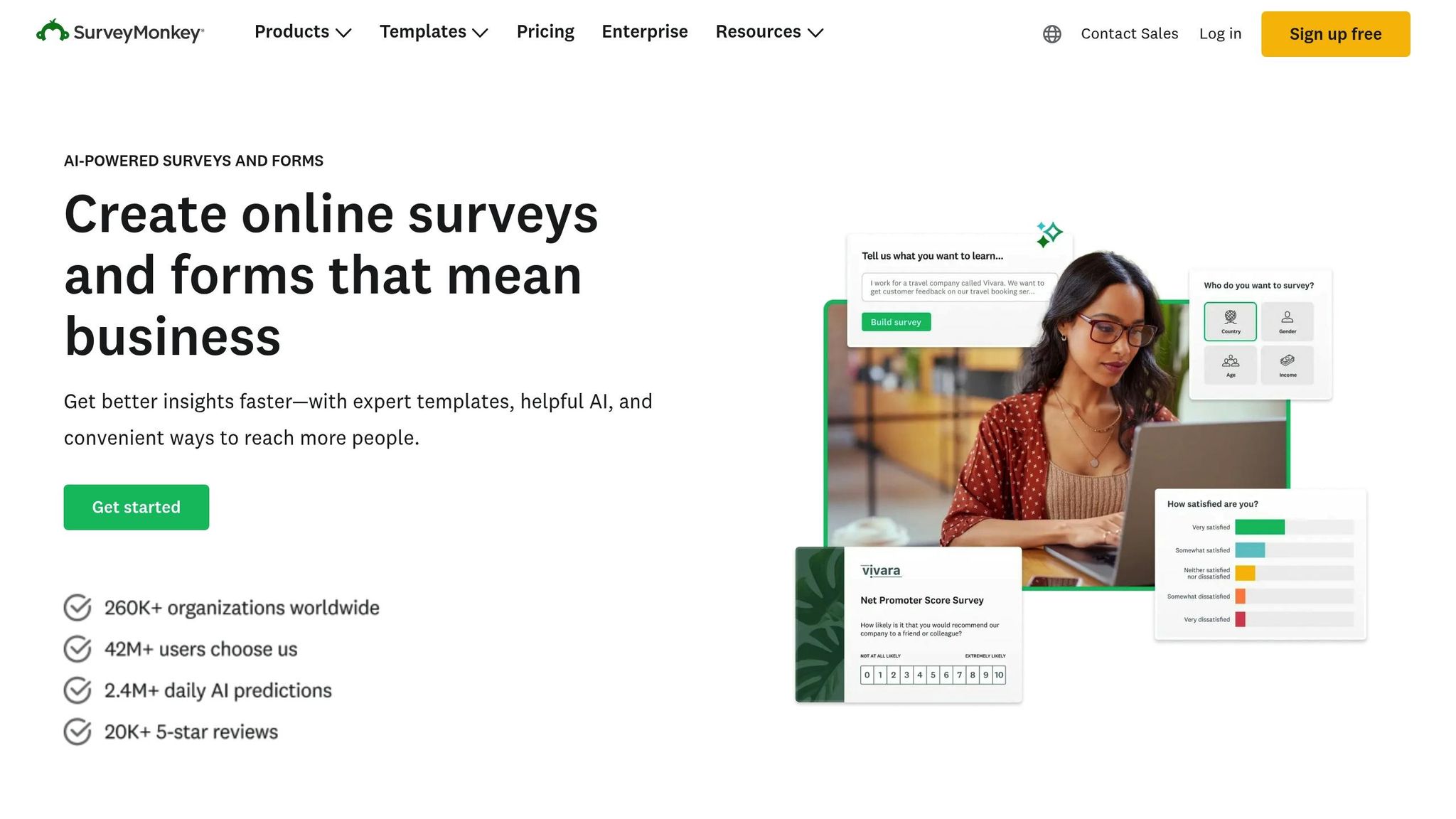
Gathering feedback is a key part of managing change effectively, and that's where SurveyMonkey comes in. This tool helps collect employee input during times of organizational change. With its easy-to-use interface, you can quickly analyze sentiment and adjust strategies as needed. It simplifies the feedback process, making it easier to make well-informed decisions.
10. Tech Leaders
Tech Leaders bridges the gap between technical professionals and organizational leadership, offering tailored support for those navigating leadership roles in tech. For teams requiring more than just standard tools, this platform provides a hands-on approach to tackle leadership challenges.
Through structured programs, Tech Leaders helps professionals adapt to change, offering tools like coaching, mentorship, and training resources. These are specifically designed to address the complexities of stepping into leadership positions within technical fields.
"The Tech Leader Program is the missing support system I needed when I was growing my career... a go-to resource for each and every question about how to diversify and grow our impact, influence, and income without depending on our employers." - Todd Larsen, Co-Founder [1]
Tech Leaders focuses on personalized communication strategies for technical leadership, excelling in three main areas:
| Communication Area | Purpose | Key Benefit |
|---|---|---|
| Peer Masterminds | Facilitate group discussions and share knowledge | Encourages open and collaborative dialogue |
| Private Coaching | Provide one-on-one, confidential guidance | Offers tailored advice during transitions |
| Leadership Training | Establish clear communication protocols | Ensures consistent messaging across teams |
Conclusion
Communicating change effectively requires a well-thought-out approach that combines the right digital tools with deliberate execution.
To make the most of these tools, organizations should prioritize three key areas:
- Creating a Safe Learning Environment
Teams need a supportive space to feel confident while learning and adopting new tools.
- Thoughtful Implementation
A step-by-step plan ensures smoother adoption. Here's a breakdown:
| Phase | Key Actions | Expected Outcome |
|---|---|---|
| Assessment | Review current communication practices | Identify gaps and specific needs |
| Pilot Testing | Test with small groups and gather feedback | Make early adjustments |
| Full Rollout | Gradually expand with proper training | Uniform use across the organization |
- Leadership Development
Leaders play a crucial role in guiding change. They need to:
- Understand how their teams communicate and interact.
- Predict and address challenges early.
- Establish clear communication guidelines that consider team diversity.