
Best AI Tools for Cross-Functional Collaboration
AI tools are saving technical teams hours every week by automating repetitive tasks like meeting summaries, status updates, and project coordination. If you're tired of endless meetings, scattered updates, and slow decision-making, these tools can simplify workflows and improve team efficiency.
Here’s what you need to know:
- Top Tools: ClickUp AI, Asana Intelligence, Notion AI, Miro Assist, and Slack AI are leading platforms for automating tasks, managing projects, and fostering better communication.
- Key Features:
- How to Choose: Focus on your team’s biggest challenges (e.g., too many meetings, disorganized sprints) and ensure the tool integrates seamlessly with your current tech stack.
- Implementation Tips:
- Start with a pilot program for 4-6 weeks.
- Train your team with role-specific use cases.
- Track metrics like meeting time reduction or faster incident resolutions.
Quick Comparison:
| Tool | Best For | Notable Features | Cost |
|---|---|---|---|
| ClickUp AI | Unified project management | Task creation, summaries, shared roadmaps | Add-on, per member/month |
| Asana Intelligence | Large-scale project tracking | Risk detection, Smart Status, linked objectives | Higher-tier plans |
| Notion AI | Knowledge management | Dynamic docs, task extraction, translations | Add-on, per member/month |
| Miro Assist | Visual collaboration | Diagram generation, mind maps, whiteboard export | Included in paid plans |
| Slack AI | Communication and updates | Thread summaries, smart search, recap digests | Premium add-on |
Bottom Line: Start small, focus on solving specific collaboration pain points, and track results to measure the impact of AI tools on your team’s productivity.
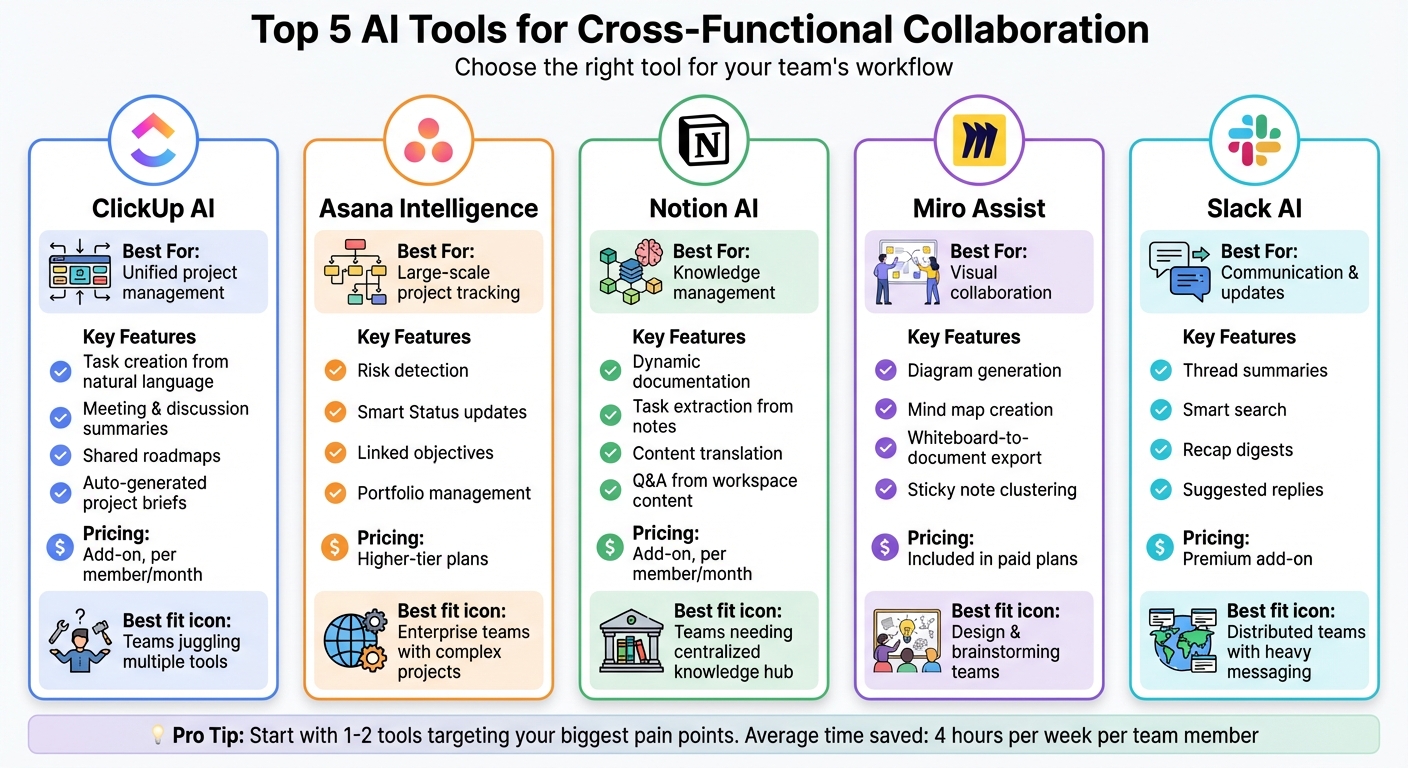
AI Collaboration Tools Comparison: Features, Best Use Cases, and Pricing
The 5 Best Online Collaboration Tools for Teams in 2025 (Ranked & Reviewed) | ClickUp
How to Evaluate AI Collaboration Tools
When choosing an AI collaboration tool, the key is to align it with your team's daily workflows and needs. Start by focusing on functionality. Evaluate tools based on three main factors: how well they fit into your team's work patterns, the strength of their AI-powered automation, and their ability to integrate with your existing tech stack. If a tool doesn’t work seamlessly with platforms your team already uses - like Slack, Jira, email, or shared documents - it risks becoming just another tab to check [3].
Begin by identifying your team's biggest collaboration challenges. Are engineers stuck in too many meetings? Is creating incident response documentation eating up hours after outages? Are product managers waiting too long for updates? Once you’ve pinpointed these pain points, test if the tool can effectively address them. For example, if sprint planning feels disorganized, see if the tool can automatically create tasks, link dependencies from systems like Jira and GitHub, and highlight blockers [1].
Security and governance are also non-negotiable. Before testing any tool, verify its data policies, storage practices, compliance certifications (like SOC 2 or GDPR), and access controls such as SSO and role-based permissions [2]. Some tools, like Confluence and Atlassian Intelligence, emphasize that they don’t use customer data for training purposes - an important consideration for privacy-conscious teams.
To truly measure a tool’s impact, pilot it with one or two cross-functional teams for four to eight weeks. Set baseline metrics, such as average meeting time, lead times for changes, incident resolution speed, or the number of tools in use. Improvements in these areas, like shorter meetings or faster resolutions, can help validate the tool’s effectiveness [3].
Matching Tools to Your Workflow
Once you’ve identified workflow challenges, assess whether the tool directly supports how your team operates - whether it’s for product planning, sprint rituals, incident response, or release coordination.
For product planning, look for AI features that can turn high-level goals into user stories, prioritize backlogs, and auto-generate roadmaps. Tools like ClickUp and Miro combine visual collaboration with structured task management, making them great options.
For sprint rituals, consider tools that simplify planning, generate summaries for daily standups, and recap retrospectives. For instance, Asana Intelligence and ClickUp AI can automatically create tasks and provide status updates to reduce manual effort.
In incident response, the right tool should summarize calls, extract action items, and link them directly to tickets. Teams using Otter.ai and Slack AI have reported cutting post-incident documentation time by 40% thanks to automated action item extraction.
For release coordination, check if the tool tracks cross-team dependencies, generates release notes, and flags blockers. Testing the tool during an actual sprint or incident can provide insight into how much time it saves on planning, documentation, and follow-ups.
Next, dive into the AI features that enable automation.
AI Automation Features
AI features can streamline repetitive tasks and reduce friction in cross-functional workflows. Focus on capabilities like meeting summarization and action item extraction. Tools like Zoom AI Companion, Otter.ai, and Leexi can automatically transform conversations into actionable summaries. For example, one team using Zoom AI Companion reduced their follow-up time by 30% by auto-generating summaries that created tasks in Asana [1].
AI can also save hours by generating task lists and backlog items from discussions or documents. Tools like ClickUp AI and Notion AI can draft proposals, populate data tables, and pull relevant information from connected systems, speeding up decision-making. For distributed teams across U.S. time zones, features like auto-translation, transcription, and AI-powered search across chats, documents, and tickets help maintain alignment without constant meetings.
For technical teams, advanced features like AI code suggestions (e.g., GitHub Copilot) and diagram generation can be game-changers. Miro Assist, for instance, can cluster sticky notes, create mind maps, and convert whiteboards into structured documents or presentations, cutting brainstorming-to-wireframe time in half.
Now, let’s focus on how well these tools integrate with your existing systems.
Integration With Your Tech Stack
Seamless integration is critical to making an AI tool part of your workflow rather than a silo. Look for native, bi-directional integrations with tools your team already relies on, such as Slack, Microsoft Teams, Jira, Asana, GitHub, Google Workspace, and Zoom.
Evaluate whether data flows smoothly between systems. For example, meeting action items should automatically create Jira tickets, and Slack threads should link directly to tasks. Preserving context across platforms is essential for efficiency, ensuring that everything from meeting notes to documented tasks and code stays connected.
Make sure the integration is native, supports bi-directional syncing, and offers APIs or webhooks for custom automation. Features like version control, access permissions, and audit trails are also crucial for managing complex or regulated projects. A tool that integrates well can save your team significant time and effort while keeping workflows consistent.
Top AI Tools for Cross-Functional Collaboration
Here’s a look at some of the best AI tools designed to simplify and enhance cross-functional teamwork. These tools bring AI-powered features to project management, documentation, and visual planning, helping teams work seamlessly together. By integrating these tools into your workflow, you can create a connected ecosystem for efficient collaboration.
ClickUp AI
ClickUp AI acts as a virtual coordinator within ClickUp's unified workspace. It can create tasks from natural-language inputs, summarize long discussions, and refine content. This makes it a great fit for engineering, product, and operations teams that need to stay aligned without juggling multiple tools. For program management, it offers shared roadmaps, automatic project briefs, and the ability to break down big-picture goals into actionable tasks with clear owners and deadlines. It also generates status updates that are easy to share with stakeholders. ClickUp AI is available as a per-member monthly add-on, making it scalable for everything from small teams to large engineering organizations.
Asana Intelligence
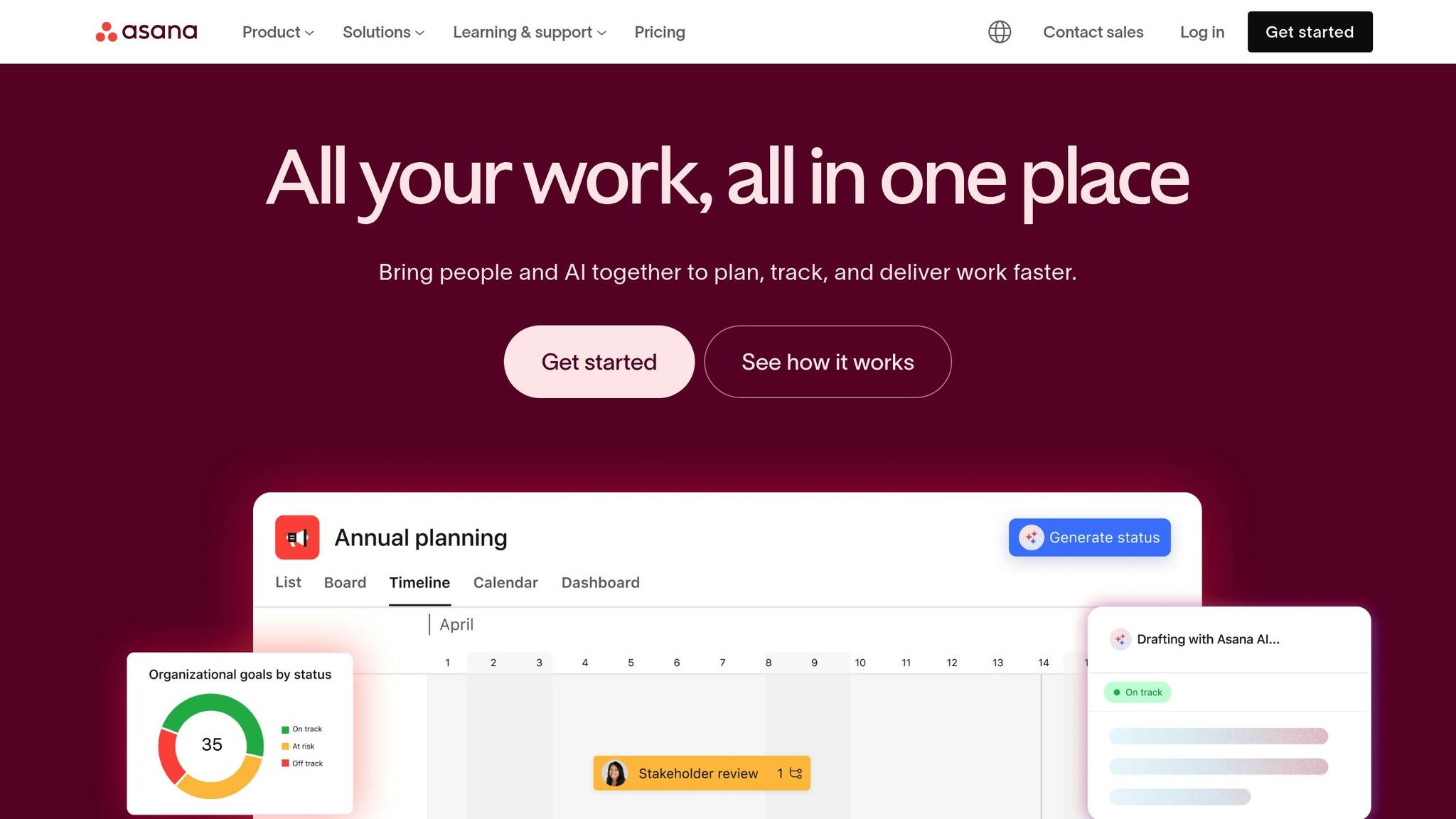
Asana Intelligence is an AI layer designed to handle project and portfolio management on a larger scale. It automates tasks like project setup, status updates, risk detection, and goal tracking for complex initiatives. Features such as Smart Status, Smart Summaries, Smart Fields, Smart Answers, and Smart Goals help teams identify at-risk work, link tasks to objectives, and create progress reports with minimal effort. For example, Smart Status can pull updates from tools like Jira, GitHub, and Salesforce, offering leadership a unified view of progress. Asana uses a per-user, per-month subscription model, with its advanced AI features included in higher-tier plans - perfect for managing large, intricate projects.
Notion AI
Notion AI enhances Notion’s all-in-one workspace by assisting with writing, translating, automating tasks, and organizing content into docs, wikis, and databases. It’s ideal for building knowledge hubs, managing technical documentation, and organizing meeting notes. Teams can use Notion AI to create meeting agendas, action items, specifications, runbooks, and onboarding materials. Its ability to summarize lengthy documents, extract key tasks from notes, and translate content ensures that distributed teams maintain a single source of truth. Notion AI is offered as a paid add-on per member per month, available across Notion’s Free, Plus, Business, and Enterprise plans.
Miro With Miro Assist
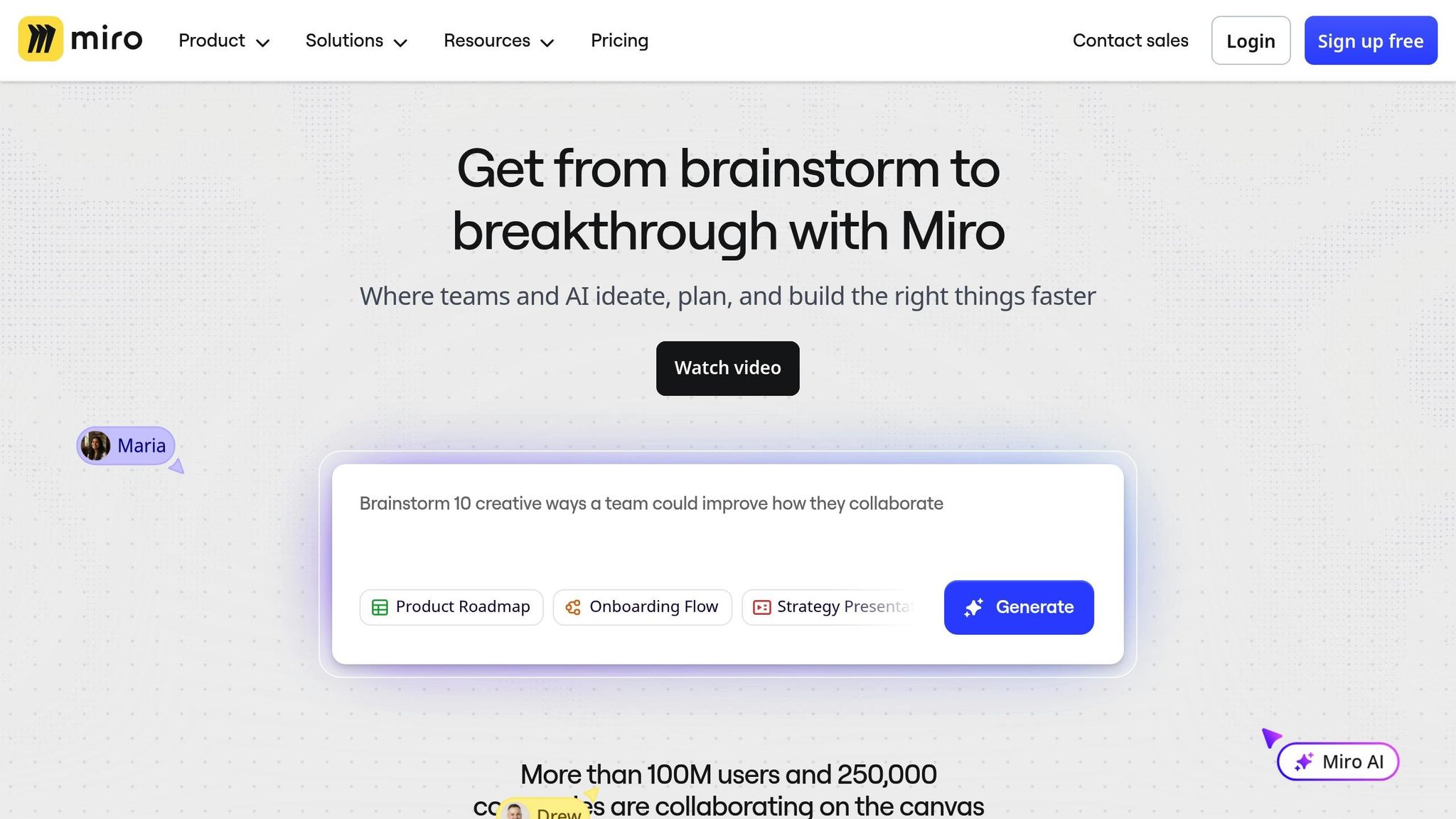
Miro, enhanced by Miro Assist, focuses on visual collaboration with tools for whiteboarding, diagramming, and workflow mapping. Its AI can turn sticky notes into structured diagrams, group ideas into clusters, and transform brainstorming sessions into actionable plans. This is especially useful for creating architecture diagrams, user journey maps, incident postmortems, or system designs. Miro Assist can also generate presentations, summaries, or action plans directly from whiteboard sessions, speeding up the transition from ideation to execution. During retrospectives or architecture reviews, it can cluster related notes, produce mind maps, and export tasks to tools like Asana or Jira. Miro Assist is included in eligible paid plans.
Slack AI
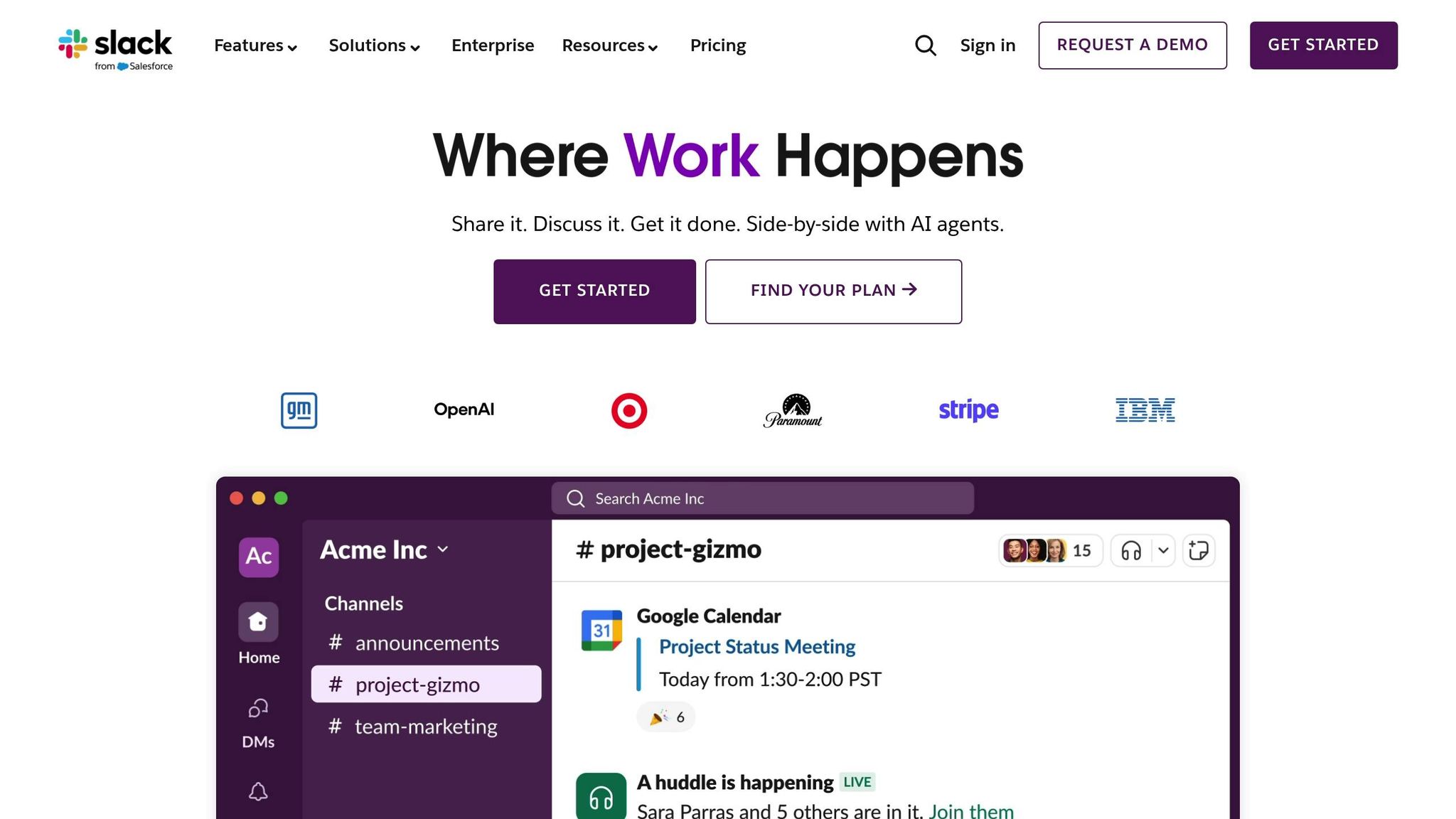
Slack AI enhances Slack’s communication platform with features like thread and channel summaries, smart search, suggested replies, and recap digests. These tools allow teams to quickly catch up on discussions and locate critical details without combing through lengthy conversations. For instance, instead of reviewing an entire incident channel, team members can get concise summaries of decisions and action items. Slack AI is available as a premium add-on. When integrated with tools like ClickUp, Asana, Notion, or Miro, Slack AI provides a centralized communication hub that streamlines handoffs and collaboration.
For technical leaders, the real power lies in using these tools together as a connected stack: Slack AI for communication, ClickUp or Asana for project execution, Notion for managing knowledge, and Miro for visual ideation. With integrations to platforms like GitHub, Jira, Microsoft Teams, Google Drive, Azure DevOps, Salesforce, and Zapier, these tools ensure seamless data flow across systems. Together, they create an ecosystem that drives cross-functional team performance to the next level.
sbb-itb-8feac72
Matching Tools to Your Team's Workflows
To get the most out of AI tools, it’s essential to align them with your team’s existing workflows. Instead of overhauling your processes or forcing a new platform on everyone, focus on addressing your team’s biggest challenges - whether that’s scattered priorities, chaotic incident management, or outdated documentation. Select tools that seamlessly integrate into your current systems to tackle these pain points effectively.
Planning and Prioritization
When it comes to organizing and prioritizing tasks, Asana Intelligence and ClickUp AI can turn chaotic conversations into clear, actionable plans. For example, Asana's Smart Status pulls updates from tools like Jira, GitHub, and Salesforce, giving leadership a consolidated view of progress. Meanwhile, ClickUp AI can summarize lengthy discussions, create actionable tasks, and even draft project briefs using natural-language input.
If you're managing portfolio-level planning, Coda AI offers a powerful solution by combining documents and databases. It can draft project briefs, populate planning tables, and build dashboards that update automatically based on your existing tools. This makes decision-making faster and planning more efficient. Once planning is in place, the next priority is ensuring swift and effective responses during incidents.
Incident Response and Sprint Management
When incidents arise, speed is everything. Slack AI can summarize entire incident channels in seconds, retrieve past context using plain-language search, and even suggest responses - saving your team from scrolling through endless messages. Similarly, Zoom AI Companion provides live meeting summaries during incident calls, flags unresolved questions, and assigns action items automatically. These summaries can be pushed directly into chat or task management tools, ensuring no follow-up gets overlooked.
For sprint retrospectives, ClickUp AI is a game-changer. It can take notes from standup meetings, turn them into structured tasks, and generate sprint summaries automatically. This helps engineering teams keep track of commitments across squads without the hassle of manual documentation. While these tools handle immediate needs, long-term success depends on effective knowledge management.
Knowledge Management and Onboarding
Keeping documentation up-to-date is no small feat, but Notion AI makes it easier by turning static wikis into dynamic, evolving resources. It can rewrite outdated specs, summarize lengthy pages, and even provide Q&A answers directly from workspace content - perfect for onboarding new team members. For more structured knowledge like service catalogs or runbooks, Airtable with AI is a solid choice. It uses AI to classify, summarize, and generate fields across relational databases, making it ideal for managing detailed information.
Meanwhile, Slack AI enhances knowledge discovery by using semantic search to comb through past conversations. This allows new hires to find the context they need without having to rely on senior team members. The goal is to create a centralized hub where information updates automatically as projects evolve, rather than relying on static documents that quickly become obsolete.
Implementation Guide for Technical Leaders
Once you've evaluated AI tools, the next step is putting them into action. For technical leaders, this means adopting a structured approach to ensure these tools solve actual problems without adding unnecessary complexity.
Identify Your Collaboration Pain Points
Start by conducting a time audit over two to three weeks. Measure how much time your team spends in meetings versus focused work, and calculate the costs using fully loaded hourly rates. This will give you a clear baseline for improvement.
Gather input from your team about workflow bottlenecks. For instance, are team members struggling to find the latest specs? Are they attending meetings just to stay informed? Dig into tools like Slack, Notion, or Miro to spot duplicated information or inefficiencies in searching for key data.
Use these findings to select tools that directly address the most pressing issues.
Start With 1-2 Tools
Keep your initial rollout focused. Match the pain points you identified earlier to one or two tools that can make an immediate impact. For example:
- If your team is overwhelmed by meetings and poor follow-through, try Slack AI and ClickUp AI.
- If scattered documentation is the problem, start with Notion AI.
Run a pilot program with a single product squad for four to six weeks. Define clear, measurable goals upfront, like "reduce average incident decision time by 25%" or "cut weekly meeting hours by 15%." Use real workflows - such as sprint planning, async decision-making, or design workshops - to test the tools. Gather feedback during weekly retrospectives to validate your approach before expanding the rollout.
Train Teams and Track Results
Tailor training to specific roles and workflows. Create concise "plays" for common tasks, like using Slack AI to summarize daily messages in two minutes or leveraging ClickUp AI to format PRDs. Host 30- to 45-minute live training sessions using real team artifacts, and record these sessions for future reference.
Designate AI champions within each squad to lead the way. These champions can experiment with the tools, document best practices in an internal wiki, and share insights with the team. Incorporate AI into existing rituals to make adoption seamless. For example, use AI-generated sprint summaries in retrospectives or Slack AI recaps during daily standups. This way, new habits form naturally without adding extra steps.
Track key metrics to measure success, such as:
- Weekly meeting hours per person
- Decision cycle time for incidents
- Time from spec completion to development start
On average, teams using AI collaboration tools save about four hours per week, and decision cycles can shrink from days to just hours when implemented effectively [3].
After 60 to 90 days, review your results. Compare the initial metrics to the outcomes and calculate ROI based on time saved and faster incident resolution. This evaluation will help you decide whether to expand adoption across the organization, using data to guide your next steps.
Conclusion
AI-powered collaboration tools have become a cornerstone for cross-functional teams. When used thoughtfully, these tools can save countless hours of manual effort each week by automating tasks like creating to-do lists, summarizing meetings, generating documentation, and highlighting key decisions within your existing tech stack. Many teams report saving up to four hours weekly while also speeding up decision-making cycles [3].
However, the real game-changer isn’t just the tool itself - it’s how technical leaders deploy AI to achieve measurable results. Simply adopting AI without addressing specific challenges or tracking ROI often leads to fragmented efforts and unnecessary complexity. As discussed earlier, integrating tools without strong leadership and clear goals won’t deliver the desired impact.
Programs like Tech Leaders offer a great example of how to bridge this gap. They focus on equipping engineering leaders with the strategic mindset, AI business knowledge, and change-management skills needed to fully harness these tools. By blending technical expertise with leadership training, professionals can pinpoint high-impact use cases, effectively communicate value to stakeholders, and turn AI adoption into repeatable, scalable strategies.
When you combine the right AI collaboration tools with informed, strategic leadership, you can completely transform how teams plan, execute, and grow together - without adding unnecessary complexity. The result? Faster decisions, improved collaboration across teams, and more time to focus on meaningful work.
FAQs
What’s the best way to select an AI tool that fits my team’s collaboration needs?
Choosing the best AI tool to tackle your team's collaboration challenges starts by understanding what your team actually needs. Think about the tasks you want to automate, the workflows you’d like to simplify, and how well the tool needs to integrate with the systems you already use.
As you explore options, look for tools that improve cross-team communication, enable real-time collaboration, and provide customizable features that adapt to your team’s specific processes. A user-friendly interface and reliable support should also be high on your list to ensure the transition is as smooth as possible.
Don’t forget to bring your team into the conversation. Their input can help ensure the tool fits seamlessly into their daily routines and genuinely boosts productivity.
What should you consider when integrating AI tools for cross-functional collaboration?
When bringing AI tools into the mix to improve cross-functional collaboration, there are a few areas to keep front and center. First, compatibility with your current systems matters a lot. The tools need to fit into your existing workflows and software without causing disruptions.
Next, don’t overlook data security - especially when sensitive information is being shared across teams. Protecting that data should always be a top concern.
You’ll also want to think about ease of use. Tools that are simple and intuitive will make life easier for everyone, regardless of their tech skills. Offering training and support can help ensure smooth adoption and better efficiency. Finally, make sure the tools are scalable, so they can keep up as your team and its needs grow.
How can I evaluate the impact of AI tools on my team's productivity?
To understand how AI tools are influencing your team's productivity, begin by pinpointing the key performance indicators (KPIs) that align with your team's objectives. These might include metrics such as how quickly tasks are completed, the quality of the output, or the volume of tasks automated by the AI tools.
Monitor these KPIs both before and after introducing the AI tools to establish a baseline and measure any changes. Alongside this, collect feedback from your team to learn how these tools are shaping their daily workflows. By combining hard data with personal insights, you'll get a clearer picture of how well the AI tools are contributing to better collaboration and efficiency.