
Top Workflow Tools for Engineers in Leadership Roles
Transitioning from engineer to leader can be overwhelming. Managing people, budgets, and cross-functional communication while staying technically sharp is no easy task. Workflow tools can help simplify these challenges by automating tasks, improving visibility, and streamlining communication.
Here’s a quick overview of the best tools for engineering leaders:
- Jira Software + Advanced Roadmaps: Ideal for managing complex projects and dependencies with customizable hierarchies and visual timelines.
- Asana: Helps align technical tasks with business goals through clear goal tracking and streamlined review processes.
- Zapier: Automates repetitive tasks and integrates thousands of tools, saving time and reducing manual work.
When choosing tools, focus on scalability, ease of integration, and features that support collaboration and decision-making. Simple setup and user-friendly design ensure quick adoption, making these tools invaluable for balancing technical and leadership responsibilities.
Process Automation for Engineers - Moritz Maier | Podcast #8
How to Choose the Right Workflow Tools
Picking the right workflow tools is all about finding the balance between what you need now and what you’ll need as your team grows. Engineering leaders need tools that not only handle their current workload but also adapt as their responsibilities expand.
The most effective tools excel in three key areas: scalability and integration, collaborative features that encourage teamwork, and ease of adoption across diverse teams. These factors determine whether a tool becomes a helpful asset or an ongoing headache.
Growth and System Integration
As teams expand from a handful of members to dozens or more, the tools you choose must grow with you. The ideal workflow tools come with pricing and features that adjust to your team’s size.
Integration is just as critical as scalability. Engineering environments often rely on a mix of tools, from version control systems like Git to communication platforms like Slack. Tools with strong APIs for custom integrations are especially valuable, allowing teams to connect specialized engineering software with broader project management systems seamlessly.
You’ll also want to think about data migration and export options. No one wants to feel locked into a platform. Tools that support standard export formats and provide clear migration paths give you peace of mind, ensuring that project history, documentation, and team knowledge remain accessible if you decide to switch tools in the future.
Once scalability and integration are covered, the next priority is enabling collaboration and creativity within your team.
Tools That Support Teamwork and Innovation
Beyond scaling and integration, great workflow tools make teamwork effortless. They should enable open communication and real-time collaboration without creating bottlenecks.
Real-time collaboration features are essential, especially for distributed teams. Look for tools that allow multiple users to work simultaneously on project plans, documentation, or design reviews without version conflicts or communication breakdowns.
Another must-have is easy access to institutional knowledge. Engineering teams generate a wealth of information, from architectural decisions to troubleshooting guides. Tools that make this knowledge searchable and organized save time and help new team members get up to speed faster.
Flexibility is key, too. Tools that allow customizable workflows - like tweaking approval processes or notification settings - let teams experiment and adapt without needing heavy technical support. This flexibility encourages teams to refine their processes as they grow.
For teams spread across different time zones, asynchronous decision-making features are a game-changer. Tools that document decisions, their rationale, and next steps ensure that progress isn’t stalled while waiting for everyone to be online.
Simple Setup and User-Friendly Design
Even the most powerful tool is useless if no one wants to use it. That’s why user adoption is the ultimate test of a workflow tool’s success. A simple, intuitive interface and easy setup are non-negotiable.
The best tools have straightforward navigation that doesn’t require hours of training. Team members should be able to update project statuses or find key documents within their first few interactions.
Quick onboarding is another major plus. Tools that include setup wizards, pre-made templates, and guided tutorials allow teams to hit the ground running instead of wasting weeks figuring out how everything works. Mobile access is also a big deal, especially for leaders who need to stay connected while moving between meetings. A well-designed mobile app ensures you’re never out of the loop.
While customization options are important, avoid tools that demand extensive configuration before they’re useful. The best platforms offer sensible default settings that work right away, with advanced options available for those who need them.
Finally, don’t overlook quality support and documentation. Engineering teams value detailed technical guides, responsive customer service, and active user communities where they can find answers to specific challenges.
Best Workflow Tools for Engineering Leaders
These tools embody the essentials for effective and collaborative leadership in engineering environments.
Jira Software and Advanced Roadmaps
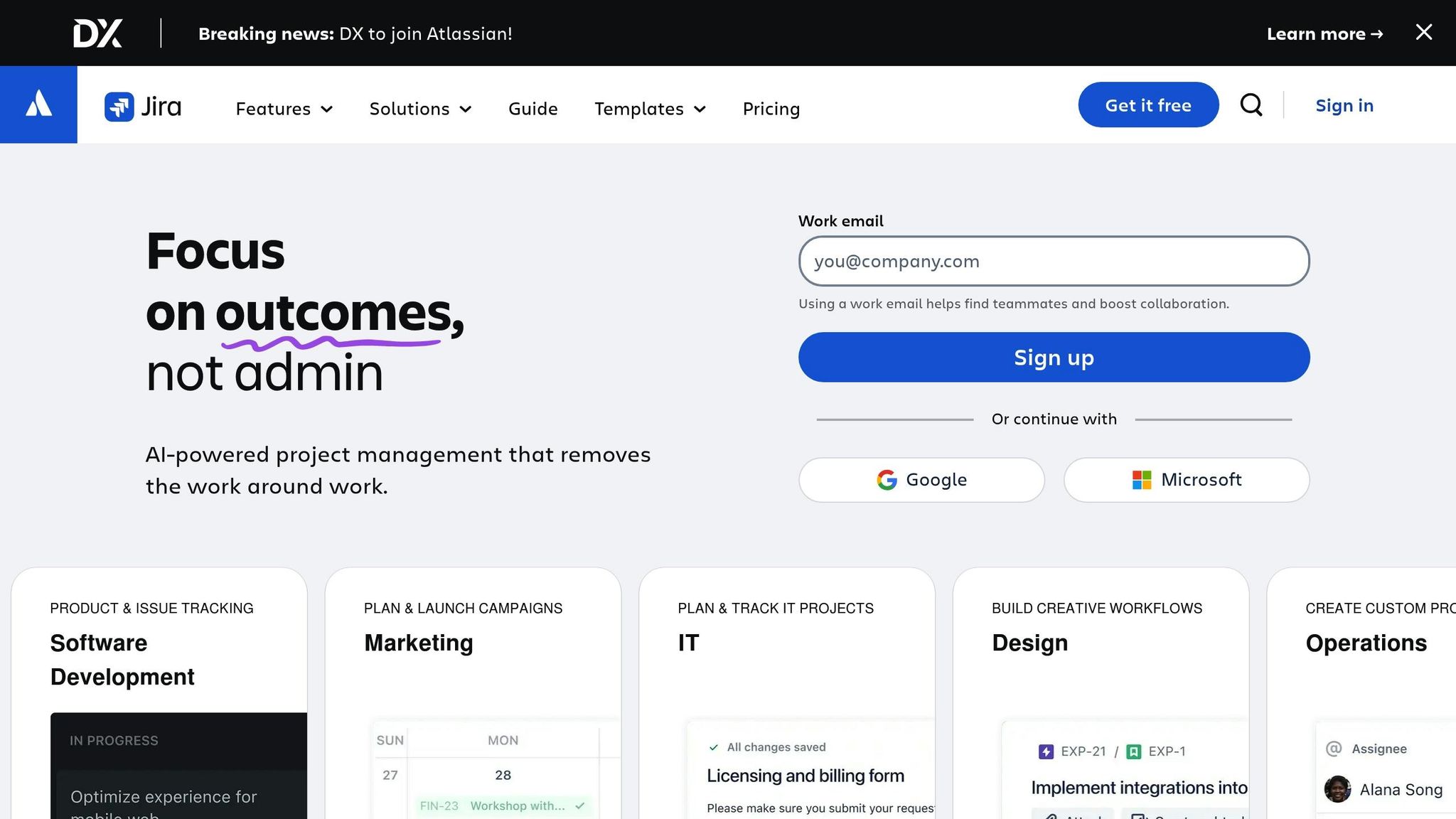
When managing complex projects, Jira Software combined with Advanced Roadmaps can be a game-changer. This duo provides engineering leaders with the tools to plan and track dependencies while keeping a strategic view of their projects. Advanced Roadmaps allows for scenario planning without interfering with live projects, making it easier to prepare for potential challenges. Its customizable hierarchies help organize work across multiple teams - whether you're coordinating feature launches across departments or managing dependencies between hardware and software development. Plus, its ability to track cross-functional work visually on unified timelines ensures workflows stay aligned, no matter how diverse the teams' processes might be.
Asana
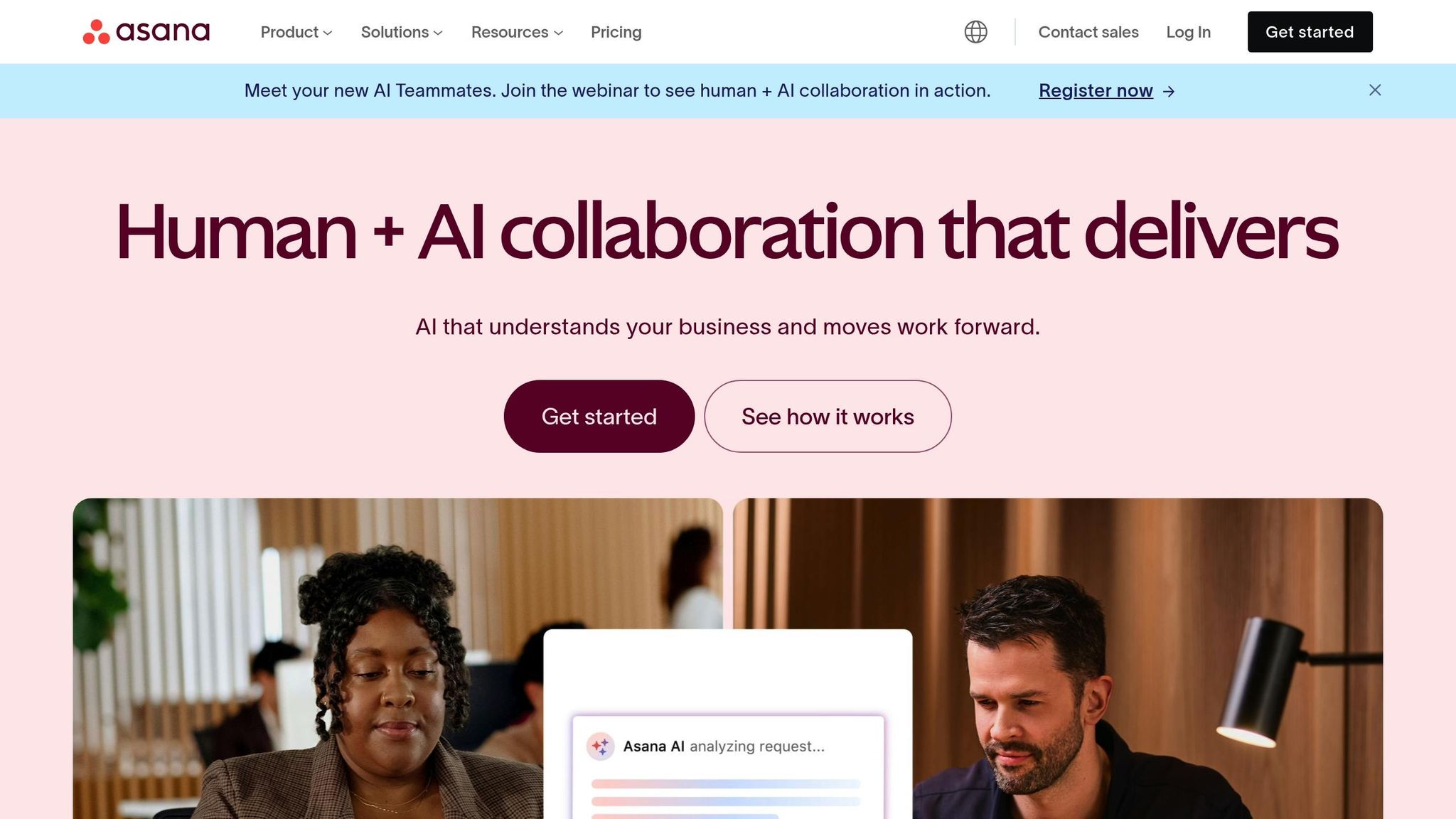
Asana stands out for its ability to align team efforts with broader business goals through clear goal setting and tracking. Engineering leaders can use its project templates and custom fields to standardize workflows while maintaining the flexibility needed for tasks like code reviews, feature rollouts, or incident response. One of Asana's strengths is its goal tracking feature, which connects individual tasks and projects to larger quarterly objectives. This makes it easier to showcase how technical work contributes to business outcomes. Additionally, its streamlined review process allows team members to give direct feedback on files, cutting down on delays that often arise during manual review cycles.
Zapier
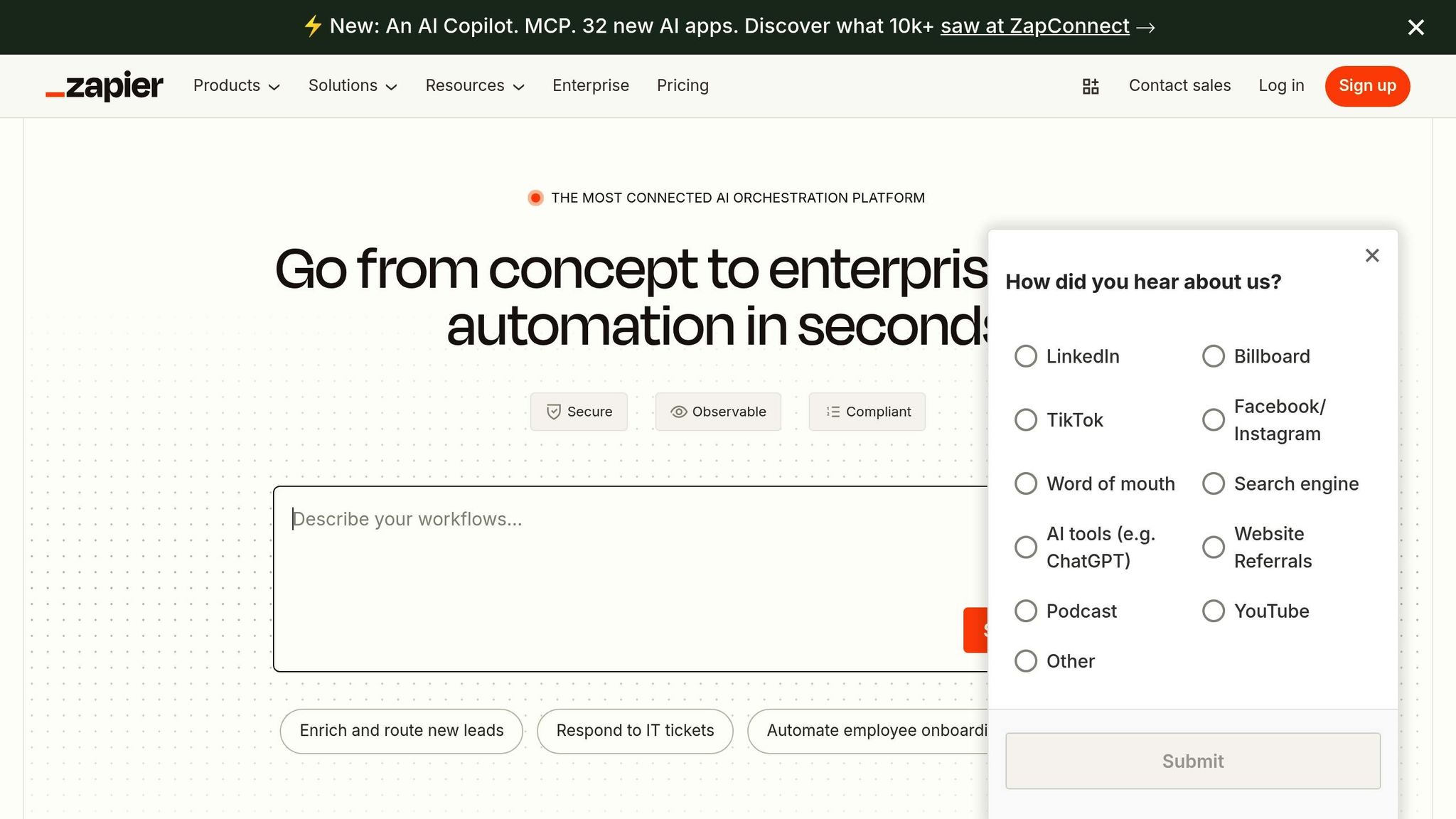
Zapier simplifies repetitive tasks through automation, freeing up leaders to focus on high-level strategy. With integrations for over 6,000 apps [1], it acts as a bridge between various tools and systems. Since January 2023, Zapier has automated more than 1.5 billion AI tasks [2], proving its ability to handle automation at an enterprise scale. Its AI-powered features - like AI Workflows, Agents, and Chatbots - assist with tasks such as triaging tickets, summarizing information, and delivering automated solutions that reduce manual workloads in routine IT operations. Organizations using Zapier have reported significant savings and revenue boosts thanks to its extensive automation capabilities. For leaders managing distributed teams, Zapier ensures seamless status updates, smooth platform integrations, and timely delivery of critical notifications to the right people.
sbb-itb-8feac72
Building Leadership Skills with Tech Leaders

Once you've explored tools to streamline workflows, the next step is developing the leadership skills needed to make the most of these tools. While workflow tools can boost project efficiency, strong leadership ensures that these tools align with team goals and business strategies. Many engineers are adept at solving technical problems but often find it challenging to lead teams, connect technical initiatives to business objectives, and inspire innovation across different departments.
How Tech Leaders Helps Build Leadership Skills
Tech Leaders addresses this gap with specialized training programs designed for technical professionals stepping into leadership roles. These programs go beyond standard management techniques, focusing on practical leadership skills that help engineers integrate workflow tools into a broader leadership framework.
A key feature of the program is peer masterminds, where participants share real-world experiences. These sessions delve into the challenges of managing cross-functional teams, implementing workflow systems, and leading in technical environments. By learning how others have successfully used workflow tools to enhance team alignment and spark innovation, participants gain actionable insights they can apply to their own teams.
The program also offers personalized coaching and learning, guiding participants to choose workflow tools that align with their unique leadership styles and team needs. Instead of defaulting to popular tools, leaders are encouraged to select and implement systems that genuinely enhance team performance and creativity. This combination of technical expertise and leadership training equips participants to turn operational efficiency into tangible business results.
Bridging Technical and Business Skills
Great leaders understand that workflow tools alone aren't enough - they require strategic implementation. Tech Leaders bridges the gap between technical know-how and business acumen, with a strong focus on AI-driven strategies that are redefining how engineering teams work and deliver value.
Participants learn how to use workflow tools not just to optimize internal processes, but also to manage client relationships, ensure consistent results, and scale their operations. By emphasizing entrepreneurship, the program helps technical professionals view workflow management as a competitive advantage in the marketplace, rather than just an efficiency tool.
The focus on AI business strategy is especially timely, as leaders navigate the growing role of artificial intelligence in workflows. Rather than simply using AI-powered features, participants are trained to think strategically about how AI can transform their team’s problem-solving and innovation processes. This blend of technical and business strategies creates leaders who can drive meaningful change in today’s fast-moving engineering environments.
Selecting and Implementing Your Workflow Tools
Picking the right workflow tools goes beyond simply comparing features. Engineering leaders need tools that strike a balance between providing structure and encouraging creativity. These tools should help transform ideas into tangible outcomes while maintaining clear boundaries and promoting teamwork.
To make this work, it's essential to define clear roles for every team member. Look for tools that support this by offering features that clarify responsibilities. When everyone knows their part, they can focus on their strengths while still contributing to the team's overall goals [3]. Tools with straightforward designs and role-focused functionality can also help avoid the headaches that come with overly complicated systems.
When evaluating options, focus on tools with robust visualization features, like Kanban boards or customizable dashboards. These tools make it easier to turn abstract plans into actionable steps. Automation features are another must-have, as they simplify repetitive tasks and help teams systematically tackle challenges [3][4].
Additionally, choose tools that integrate smoothly with your current systems and require little training. This ensures your team can adopt them quickly, minimizing resistance and downtime [3][4].
FAQs
What steps can engineering leaders take to successfully integrate workflow tools with their current systems?
To effectively integrate workflow tools with your current systems, start by setting clear goals and identifying how these tools will improve your existing processes. Focus on tools that work well with your systems - whether it's a CRM, ERP, or data warehouse - and take advantage of features like APIs and pre-built connectors to simplify the integration process.
Bring key stakeholders into the conversation early to make sure the tools align with team needs and daily workflows. Keep an eye on the integration by regularly checking for errors, making adjustments as needed, and offering training to help your team get comfortable with the new tools. This approach not only ensures a smoother transition but also helps boost productivity across the board.
What should engineers in leadership roles look for when selecting workflow tools that can grow with their team and adapt to new challenges?
When choosing workflow tools, it's important to think ahead. Look for tools that can grow with your team, handling increased size and complexity without missing a beat. Opt for solutions that can adapt as responsibilities shift, automate tedious tasks, and keep communication smooth as your team expands.
Also, consider how these tools fit with your leadership objectives. Whether you're aiming to boost collaboration, improve efficiency, or manage projects over the long haul, the tools you select should do more than just meet today's needs. They should equip your team to confidently take on future challenges.
How do workflow tools help engineering leaders manage technical tasks while focusing on business goals?
Workflow tools give engineering leaders the ability to streamline their daily operations by automating repetitive tasks, structuring workflows, and enhancing team communication. This means leaders can dedicate more time to strategic decision-making while ensuring technical tasks are handled smoothly and on schedule.
These tools also offer a transparent view of project progress, helping leaders allocate resources effectively, monitor key milestones, and align technical work with overall business goals. By simplifying complex processes, they create a stronger connection between managing engineering teams and achieving organizational success.